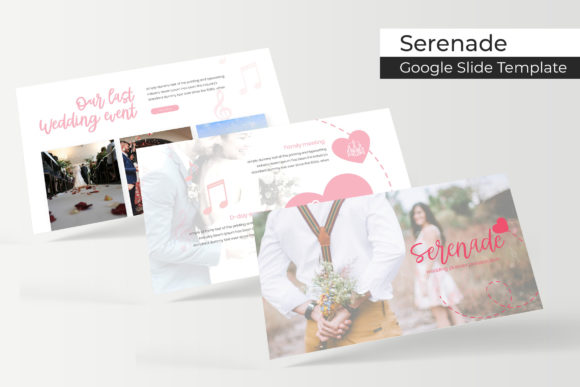
Enhance Your Presentations with Serenade Google Slide Template
Serenade Google Slide Template is a versatile and feature-rich tool designed to elevate your presentations. Whether you are a professional, creator, entrepreneur, or educator, this template offers a seamless way to present your ideas with style and clarity. It fits perfectly into various workflows, from brainstorming sessions to final project presentations.
Understanding the Serenade Google Slide Template
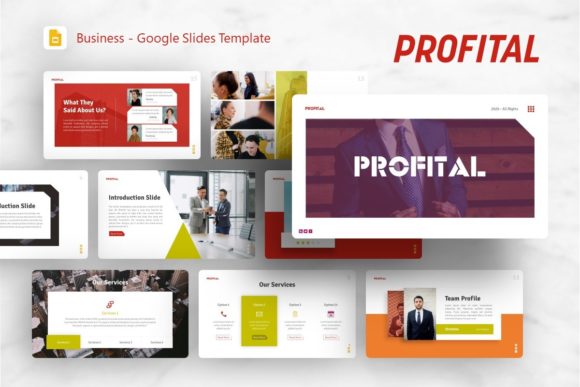
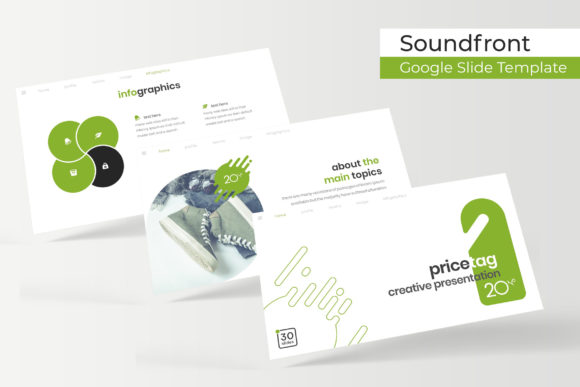
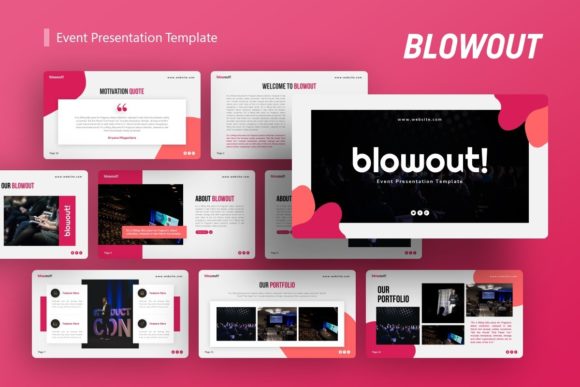
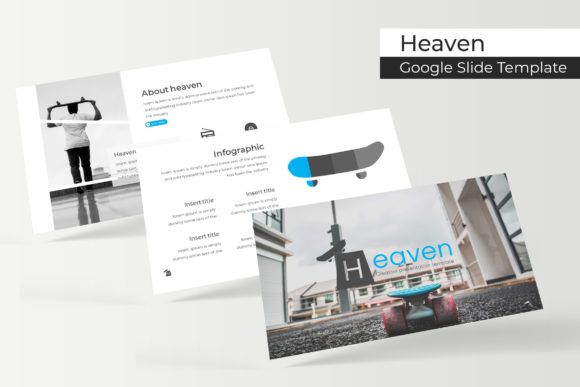
The Serenade Google Slide Template comes with 150 total slides, divided into 5 premade color variations, each containing 30 slides. This variety allows you to choose the perfect aesthetic for your presentation, ensuring it aligns with your brand or personal style. Each slide is meticulously crafted, featuring pixel-perfect illustrations and handcrafted infographics that can be easily customized.
Key Features of Serenade Google Slide Template
- 150 Total Slides: A comprehensive set of slides to cover all aspects of your presentation.
- 5 Premade Colors: Choose from five distinct color schemes, each with 30 slides, to match your branding or personal preference.
- Handcrafted Infographics: Professionally designed infographics that can be easily edited to fit your content.
- Section Break Slides: Clearly demarcate different sections of your presentation for better organization and flow.
- Gallery and Portfolio Slides: Showcase your work, projects, or products in a visually appealing manner.
- Resizable and Editable Graphic Picture Placeholder: Drag and drop images into placeholders, making customization quick and easy.
- Based on Master Slides: Consistent design across all slides, ensuring a professional and polished look.
Integrating Serenade into Your Workflow
Integrating the Serenade Google Slide Template into your workflow can significantly enhance the quality and impact of your presentations. Here’s how you can use it at different stages of your project:
Before the Project
During the planning phase, the Serenade template can help you outline and structure your presentation. Use the section break slides to organize your content into logical segments, and the handcrafted infographics to plan how you will present data and information. This preparation ensures that your presentation is well-structured and coherent.
During the Project
As you develop your content, the editable graphic picture placeholders make it easy to add and adjust visual elements. The gallery and portfolio slides are particularly useful for showcasing your work, whether it’s a creative project, a business proposal, or an educational presentation. The ability to drag and drop images and text keeps the process smooth and efficient.
After the Project
Once your presentation is complete, the consistent design based on master slides ensures a professional finish. You can easily share and present your work, knowing that it looks polished and well-organized. The template’s flexibility also allows for quick updates and revisions, making it a valuable tool for long-term use.
Practical Implementation Tips
To get the most out of the Serenade Google Slide Template, consider the following tips:
- Choose the Right Color Scheme: Select a color variation that complements your brand or the theme of your presentation. This consistency helps in creating a cohesive and professional look.
- Customize Infographics: Use the handcrafted infographics to present data and information in a visually engaging way. Customize them to fit your specific needs and ensure they accurately represent your content.
- Use Section Break Slides: Employ section break slides to clearly divide your presentation into manageable parts. This helps your audience follow along and stay engaged.
- Showcase Your Work: Utilize the gallery and portfolio slides to highlight your achievements, projects, or products. These slides are designed to make your work stand out and leave a lasting impression.
- Edit and Resize Graphics: Take advantage of the resizable and editable graphic picture placeholders to add and adjust images. This feature makes it easy to customize your presentation without compromising on quality.
What’s Included in the Serenade Google Slide Template
The Serenade Google Slide Template includes everything you need to create a high-quality presentation:
- 5 PPTX Files: Five different versions of the template, each with its own unique color scheme.
- 5 PPTX Widescreen: Widescreen versions of the templates for a modern and professional look.
- Readme First: A detailed guide on how to use the template, including installation and customization instructions.
- Font Used: Free font download links are provided, ensuring you have access to the same fonts used in the template.
Note on Images and Assets
It’s important to note that all photographs or pictures used in the preview are not included in the template. They are intended for illustration purposes only. You can easily replace these with your own images using the drag-and-drop functionality, ensuring your presentation is uniquely yours.
By integrating the Serenade Google Slide Template into your workflow, you can create presentations that are not only visually appealing but also highly effective. Whether you are preparing for a business meeting, a creative pitch, or an educational seminar, this template provides the tools and flexibility to make your content shine.